Tips for Creating a Comfortable and Productive Home Office Space
Creating a comfortable and productive home office space is essential for anyone working from home. A well-designed workspace can improve focus, reduce stress, and make your workday more enjoyable. Whether you have a dedicated room or a small corner in your living area, these tips will help you set up a home office that supports your best work.
Choose the Right Location
The first step in creating a home office is finding the right spot. Ideally, select a space that is quiet and has minimal distractions. If possible, choose a room with a door so you can separate work from home life.
Consider natural light
Natural light is one of the best additions to any workspace. It helps reduce eye strain and improves mood. Try to position your desk near a window to make the most of daylight. If natural light is limited, invest in good quality artificial lighting to keep your workspace bright.
Avoid high-traffic areas
If a separate room isn’t an option, set up your office in a low-traffic area. Avoid places like the kitchen or living room, where the noise and activity can interrupt your concentration.
Invest in Ergonomic Furniture
Comfort plays a big role in productivity, so investing in ergonomic furniture is important.
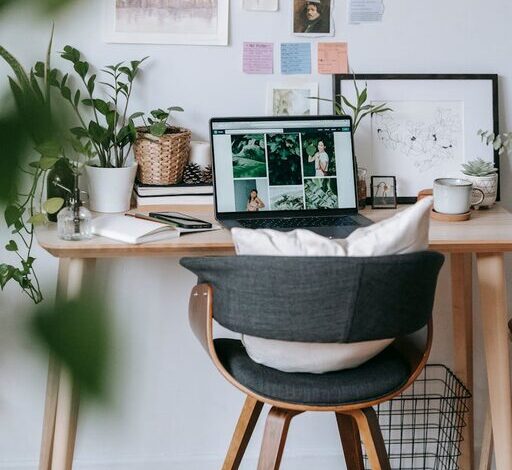
Desk and chair
Choose a desk that fits your space and provides enough surface area for your computer, paperwork, and any other essentials. An adjustable chair with good lumbar support can prevent back pain during long work hours.
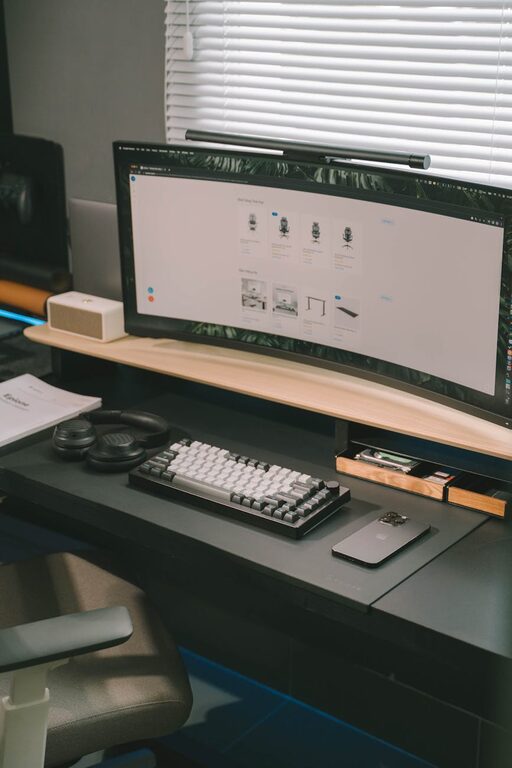
Monitor placement
Place your computer monitor at eye level to avoid straining your neck and shoulders. You can use a monitor stand or adjustable arm to achieve the right height.
Keep It Organized
A cluttered workspace can lead to a cluttered mind. Keeping your home office tidy helps maintain focus and efficiency.
Use storage solutions
Use shelves, filing cabinets, or desk organizers to keep papers and supplies in order. Label folders and bins so everything has a place.
Declutter regularly
Set aside a few minutes at the end of each day or week to clean and organize your space. This habit prevents mess from piling up and keeps your environment inviting.
Personalize Your Space
Adding personal touches can make your home office more inviting and motivate you to work.
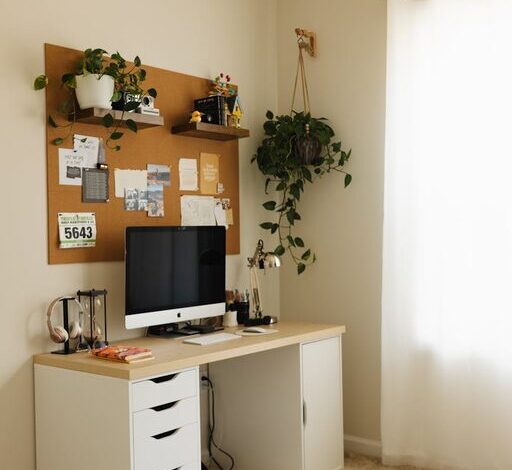
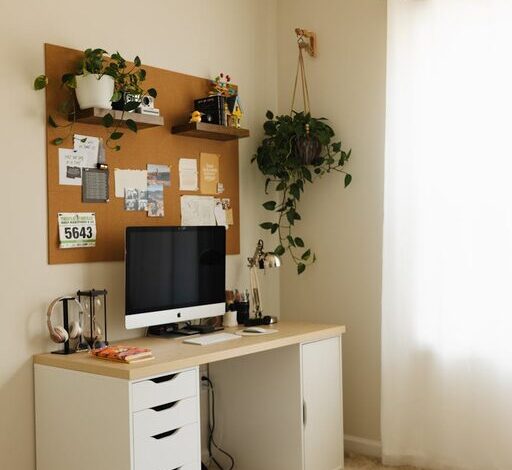
Add plants
Indoor plants not only add a splash of color but can also improve air quality and reduce stress.
Incorporate artwork or photos
Decorate your walls with inspiring artwork or family photos to make the space feel more comfortable.
Use Technology Wisely
Technology is key to working effectively from home, but it can also be a source of distraction if not managed properly.
Reliable internet connection
Ensure you have a fast and reliable internet connection to avoid interruptions during meetings or while working on cloud-based projects.
Efficient tools and apps
Use productivity apps, calendars, and collaboration tools to stay organized and communicate effectively with your team.
Manage notifications
Turn off non-essential notifications during work hours to minimize distractions.
Establish Boundaries and Routine
Creating a productive environment extends beyond physical setup. Mental boundaries and routines help maintain a healthy work-life balance.
Set work hours
Define your working hours and try to stick to them. Communicate your schedule to family members or roommates to reduce interruptions.
Take breaks
Regular breaks help maintain focus and reduce fatigue. Follow methods like the Pomodoro Technique (working in focused intervals with short breaks) to keep energy levels high.
Create a start-of-day ritual
Develop a routine that signals the beginning of your workday, such as making a cup of coffee or reviewing your to-do list. This helps shift your mindset into work mode.
Focus on Air Quality and Temperature
Comfort also involves the right air quality and temperature.
Ventilation
Good airflow reduces stuffiness and helps you stay alert. Open a window or use a fan if the room feels stagnant.
Temperature control
Set your heating or air conditioning to a comfortable temperature to avoid distractions caused by being too hot or cold.
Minimize Noise
Noise can be a major distraction in a home office.
Use noise-canceling headphones
If you can’t control external sounds, noise-canceling headphones are a great investment to help you concentrate.
Soundproof your space
Add rugs, curtains, or acoustic panels to absorb sound and reduce echoes.
Prepare for Meetings
Make sure your home office is ready for virtual meetings.
Background
Choose a clean, neutral background or use virtual backgrounds to maintain a professional appearance.
Lighting
Position lighting so your face is well-lit and avoid sitting with bright windows behind you.
—
By following these tips, you can create a home office space that enhances both comfort and productivity. A thoughtful setup can transform your work-from-home experience, making it easier to get tasks done and enjoy your day. Remember, the best home office is one tailored to your personal needs and preferences. Happy decorating!